Design in the Origin89 style.
Origin89 pages use a dark ground, hairline frames with the Plate 89 corner, and colour only for state. Use these tokens and rules for anything that sits beside the website or the Offgrid app.
Download the identity guideThe plate is the mark.

On the dark ground, use the white horizontal logo. Keep the clipped corners, counters and wordmark intact, and leave clear space of at least one quarter of the plate’s height around the logo. The blue logo is for light documents.
At small sizes
The minimum size is 24 px for the symbol and 170 px for the horizontal logo. Use the symbol alone when the horizontal logo would be cramped.
Product names
Write the names as Origin89 Controller, Origin89 Offgrid and Buddy. KM43 is the protocol name only; do not use it for the app or firmware.
A dark ground, with colour kept for state.
The site has one theme. Reference the tokens in theme.css instead of copying hex values, and pair every colour with a label, a symbol or a line style.
--o89-page#07090cThe ground of every page.
--o89-surface#0d1116Sections and frames that lift off the page.
--o89-surface-raised#12171eDialogs, panels and pressed controls.
--o89-line#1e252eRules between rows and the edge of a frame.
--o89-line-strong#2b343fInput edges and control outlines.
--o89-fg#e7eaeeHeadings, body copy and trusted readings.
--o89-muted#9aa5b1Secondary copy and stale readings. Safe on every surface.
--o89-faint#707b87Captions on the page ground only.
--o89-action#2b4a97The plate fill. Never used for text.
--o89-action-lit#3f61b3The plate fill on hover.
--o89-link#6279adLinks inside running text on the page ground.
--o89-signal#7f9ce0Data paths, leader lines, selection and designators.
--o89-nominal#2f9d64A live, healthy reading, at most once per screen.
--o89-warning#e9a13cPending and planned work.
Contrast on the page ground: foreground 16.5:1, muted 8.0:1, faint 4.6:1, link 4.6:1. On a raised surface faint drops to 4.2:1, so secondary text there uses muted. The action fill is 2.4:1 against the ground, which is why the plate carries a white rim.
/* A frame: hairline edge and the Plate 89 corner. */
.panel {
  background: var(--o89-surface);
  color: var(--o89-fg);
  border: 1px solid var(--o89-line);
  border-radius: 14px;
  corner-shape: bevel;
}

/* Secondary copy on a surface uses muted, never faint. */
.panel p {
  color: var(--o89-muted);
}

/* Data paths and selection use signal blue. */
.panel [aria-selected="true"] {
  border-color: var(--o89-signal);
}
Inter Tight for words, Plex Mono for data.
Headings use Inter Tight 700 in sentence case, tracked to about −0.035em. Body copy is 400 or 500 at 16 to 20 px, with lines of 65 to 75 characters.
- Bus
- RS-485 A/B
- Supply
- 12 V
- Solar in
- 2.10 kW · 8 s ago
- Board
- boards/controller-a
IBM Plex Mono is for data only: designators, units, readings, file names and code. Labels and prose stay in Inter Tight. Do not put all-caps labels above headings; the heading names the section. Use the supplied logo instead of typing the wordmark.
Plates, frames and hairlines.
Buttons take the shape of the Plate 89 sign: clipped corners, a blue fill and a thin white rim. Ghost plates are outlined in the strong line and fill when pressed.
<a class="o89-plate o89-plate-action">…</a>
<button class="o89-plate o89-plate-ghost o89-plate-sm" aria-pressed="true">…</button>Cards, panels, inputs and table containers use a 1 px line and corner-shape: bevel. Do not use plain rounded rectangles, glows or coloured side borders.
- Small chips
- stay pills
On a phone
Review at 320 and 390 px. Give chat and the equipment map their own views. Keep the next useful action reachable.
For every input
Provide a visible label, keyboard focus and a readable error. Prefer native buttons, links and form controls over simulated controls.
A missing reading never shows as zero.
Keep each reading’s value, source and timestamp together. Never present an old reading as a current all-clear, or equipment research as tested support.
Status words
- Published
- The file, package or dataset is public today.
- Specified
- Written into a specification, such as KM43, but not implemented.
- Planned
- Intended work with no public implementation yet.
- Pending bench
- A designed value that still needs a measurement on the board.
Renders come from the hardware repository.
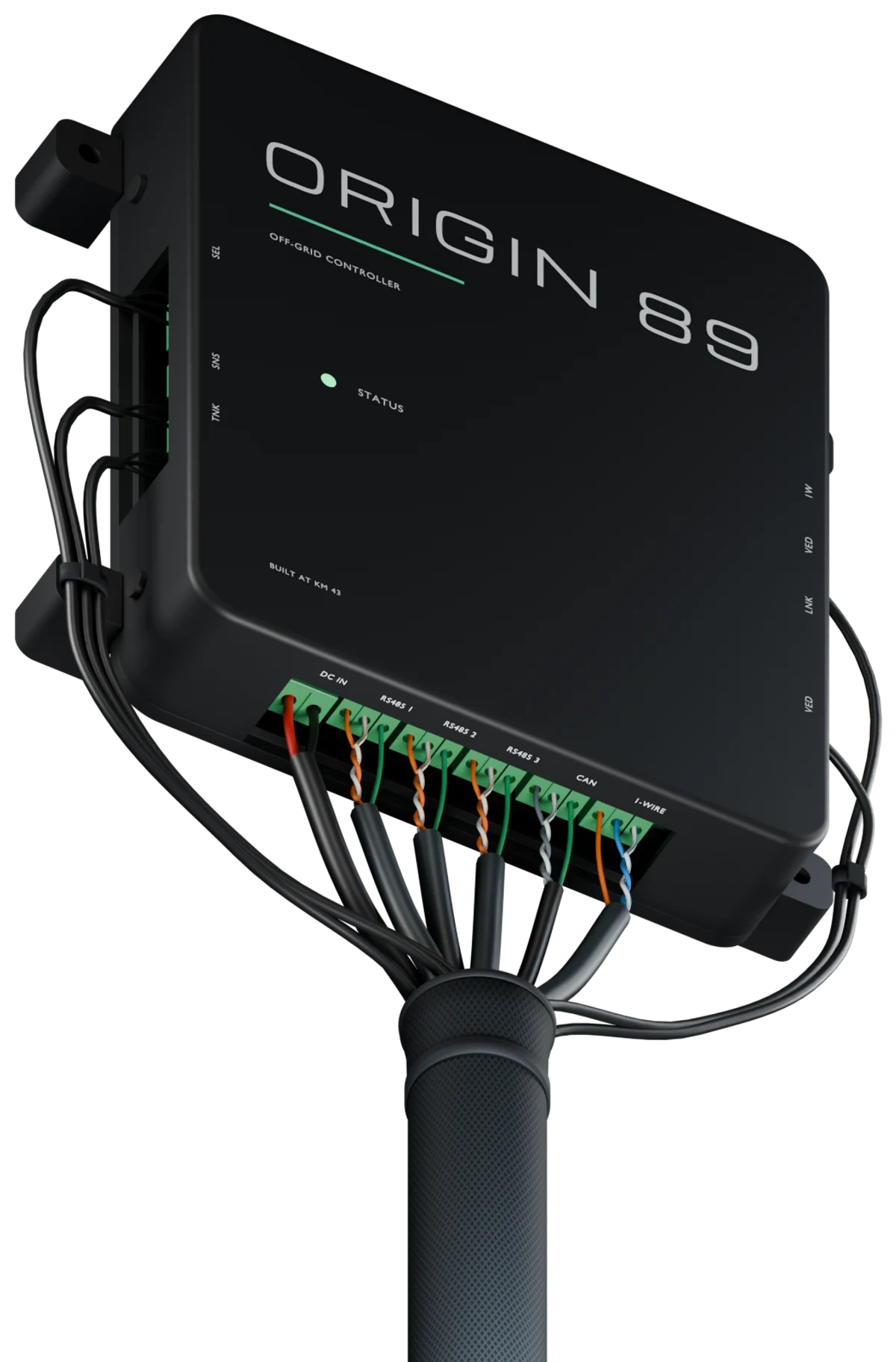
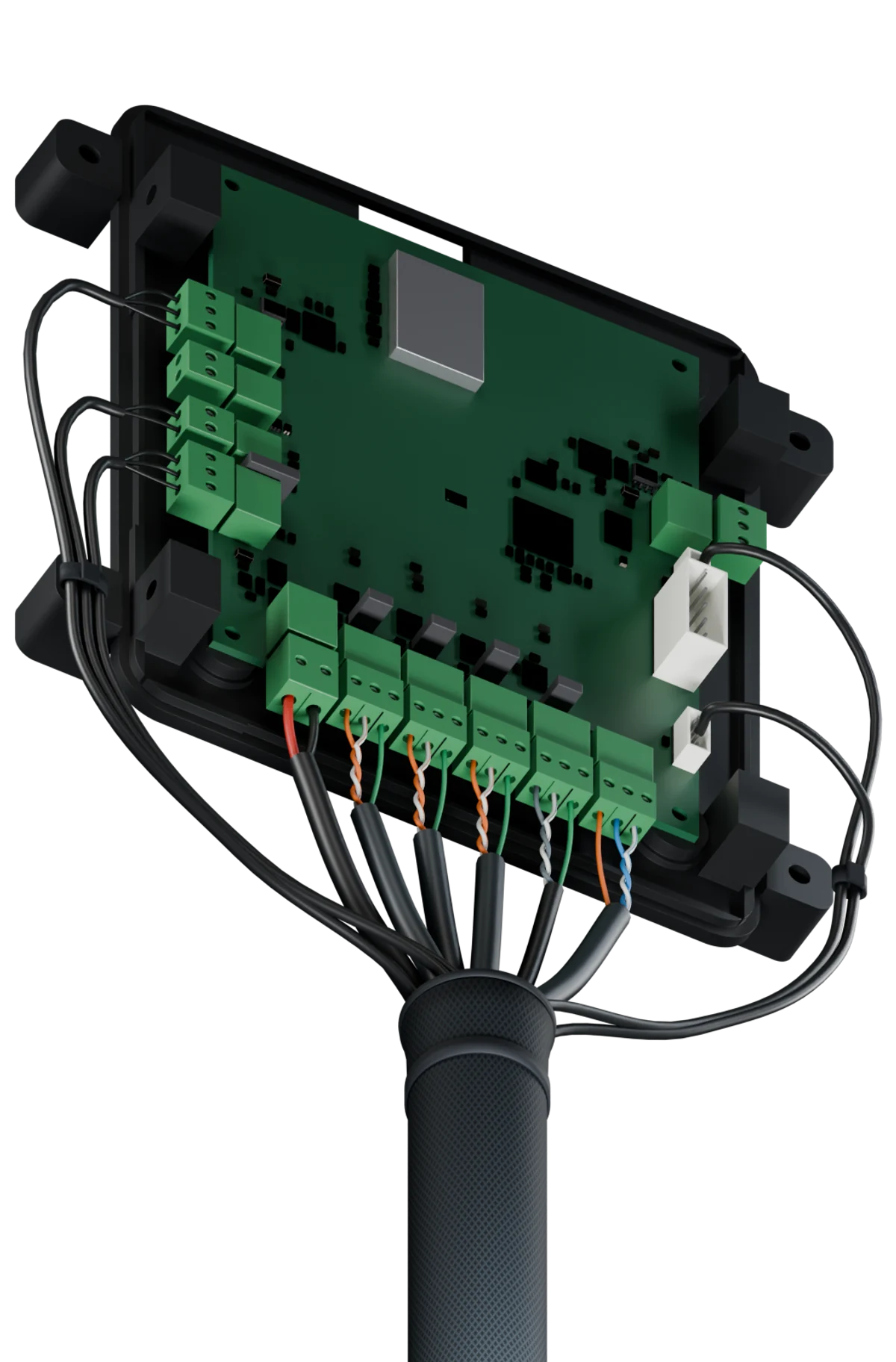
- Render products from CAD and fabrication data. Do not paint or generate them.
- Light them in a dark studio, without gradient backdrops, glows or glass panels.
- Place renders frameless on the page ground, or over a faint dot grid that fades at the edges.
- Draw data paths, leader lines and selection in signal blue.
- Keep third-party equipment unbranded, and label generated scenes as concepts.
Buddy advises and the person decides.

“No new reading for 12 minutes. Let’s check the update path.”
- Ask one question at a time. Explain the useful part first.
- Identify the exact equipment before giving model-specific advice.
- Separate proposed checks, measurements and confirmed actions.
- Use still poses beside readings, and use motion only to explain a change.
- Use one ease-out curve,
--o89-ease, and honour reduced motion.
Download the guide, artwork and tokens.





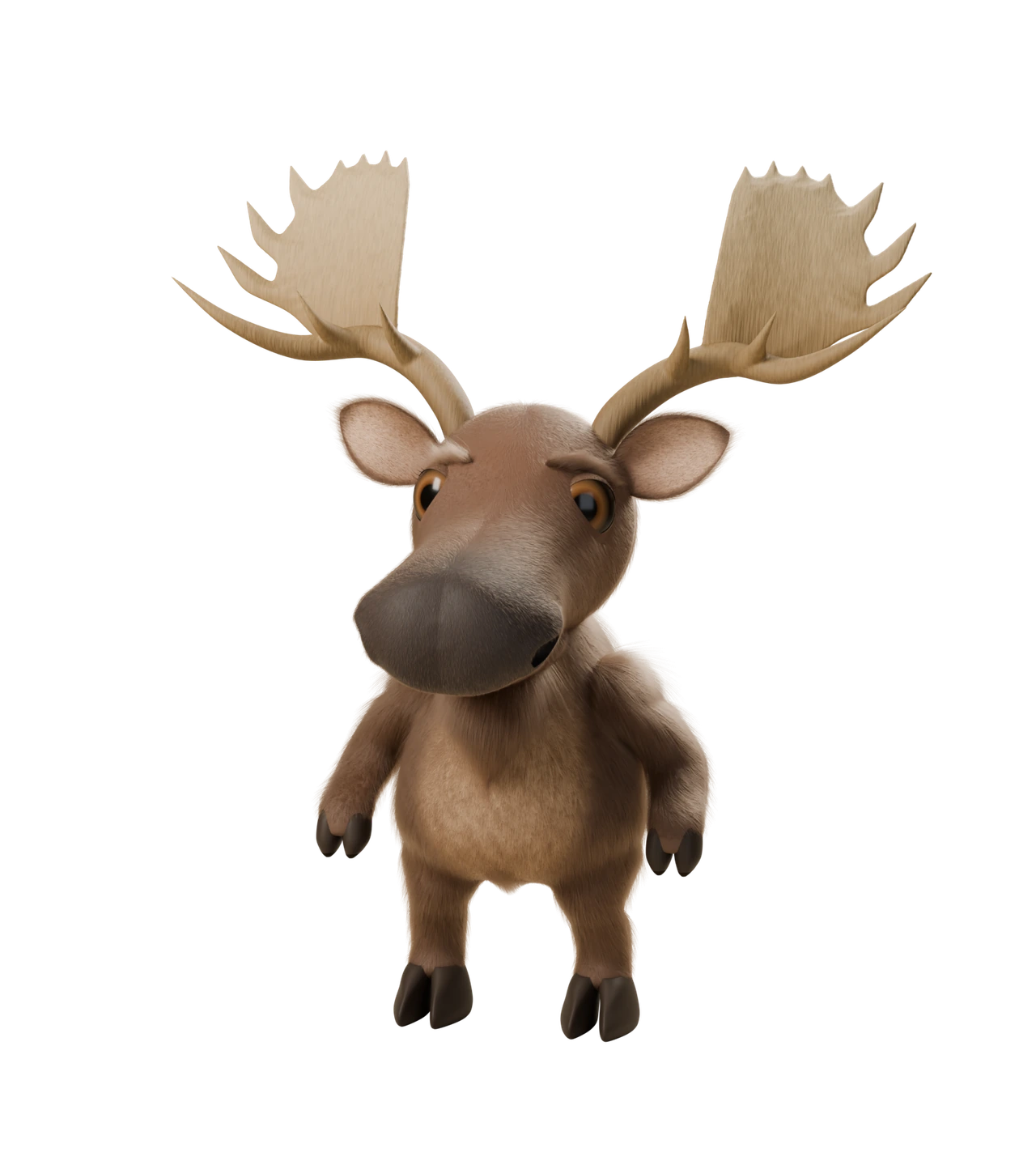

These files come from the Origin89 brand repository. The identity guide is version 1.0, dated September 8, 2026; this page covers the dark theme used on origin89.com.
Buddy’s poses, avatars and icons are rebuilt from the shared Blender model in the brand repository, which publishes them at web sizes as @origin89/brand.